Learn · Lesson 1.1 of the Bootcamp
Which AI image model should you use? A simple rule
 Jad · founder of Klingobanana4 min read
There is no best AI image model. For each job there is a good one, and switching models without a reason wastes credits. Here are the three families and the rule I use to pick.
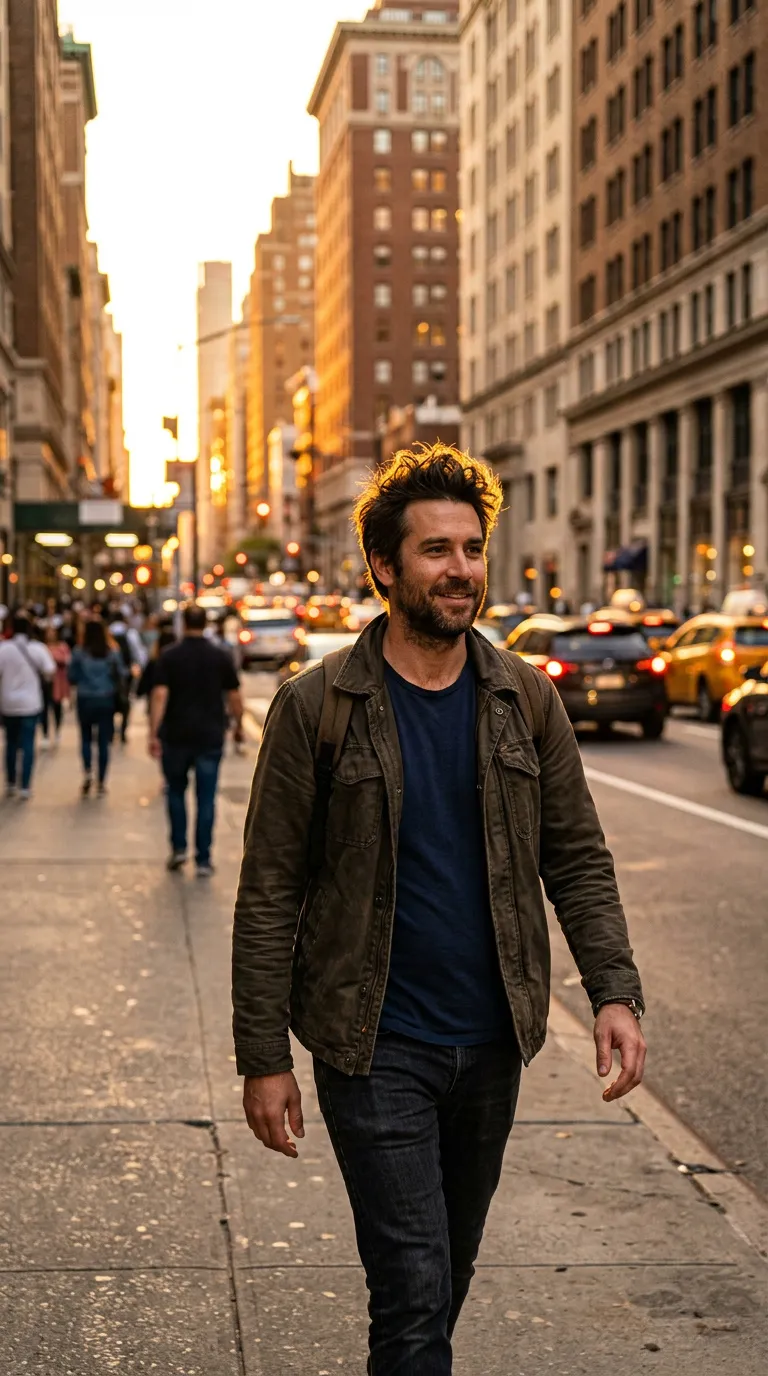
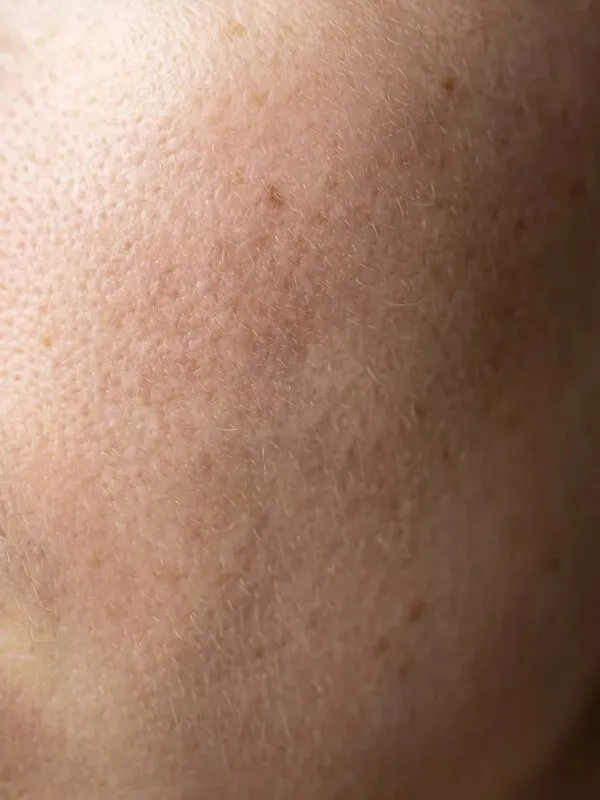
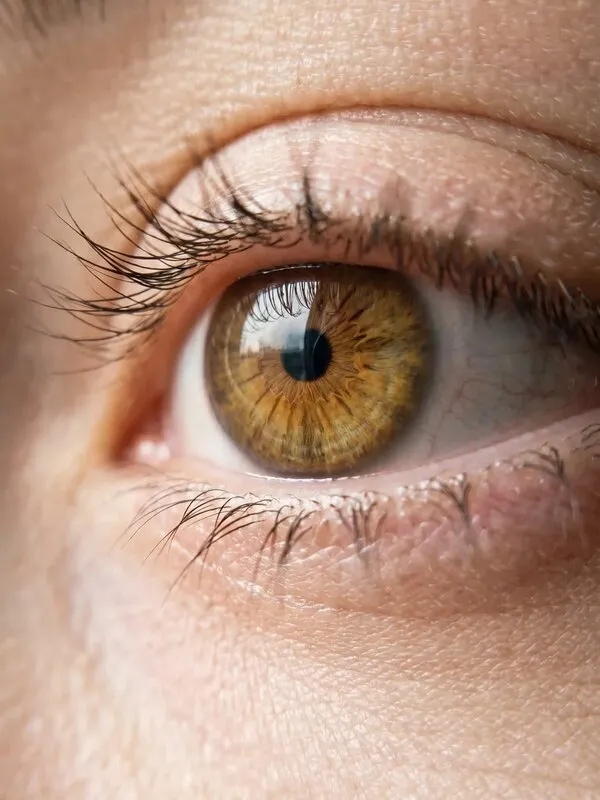
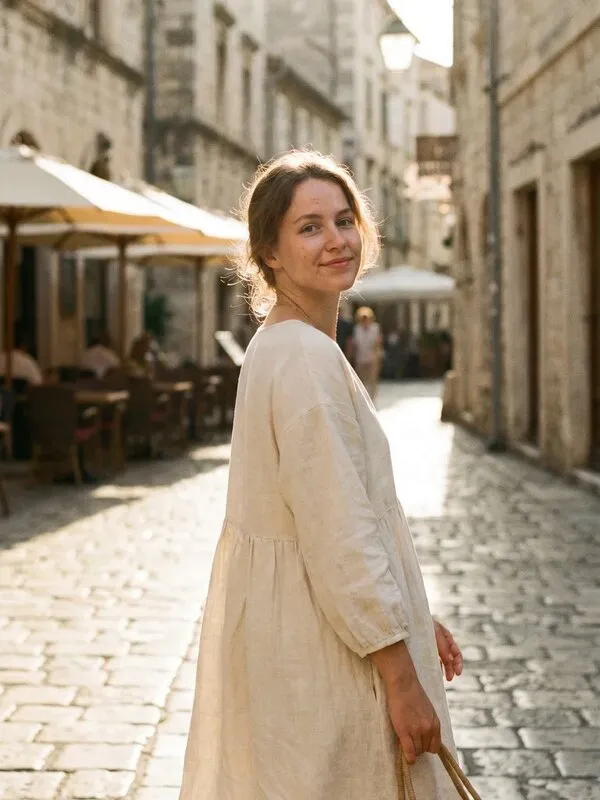
1. Photoreal models: people, skin, products
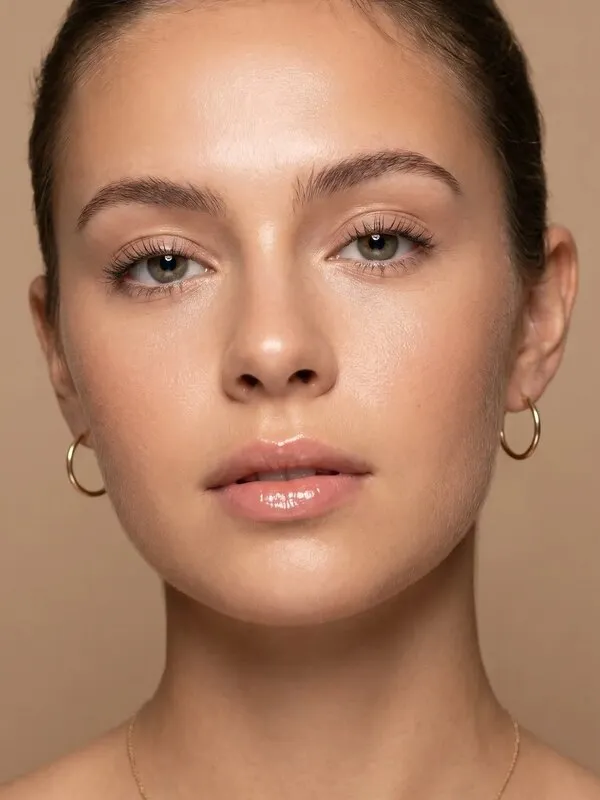
Everything that must look like a real photo. Skin texture, eyes, product surfaces. For portraits and lifestyle I use Seedream, and Gemini 3 Pro (Nano Banana Pro) when I need the best quality for a final image.
2. Edit models: change an image you already have
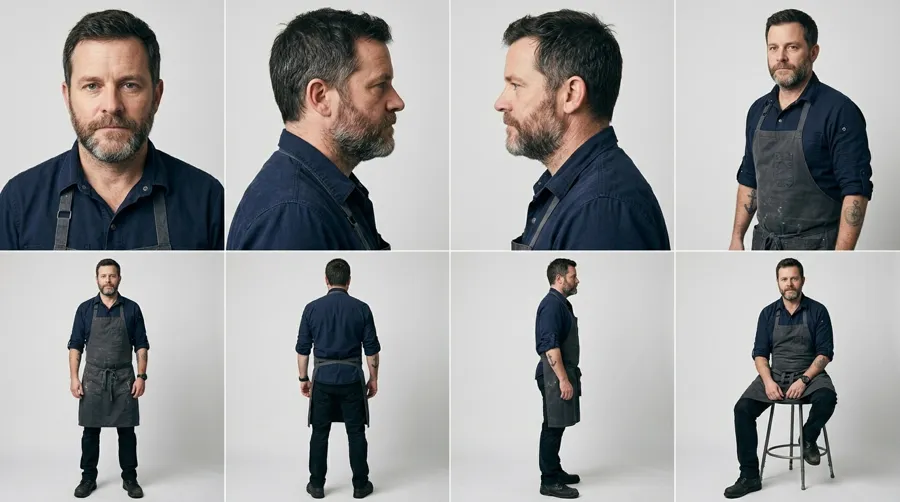
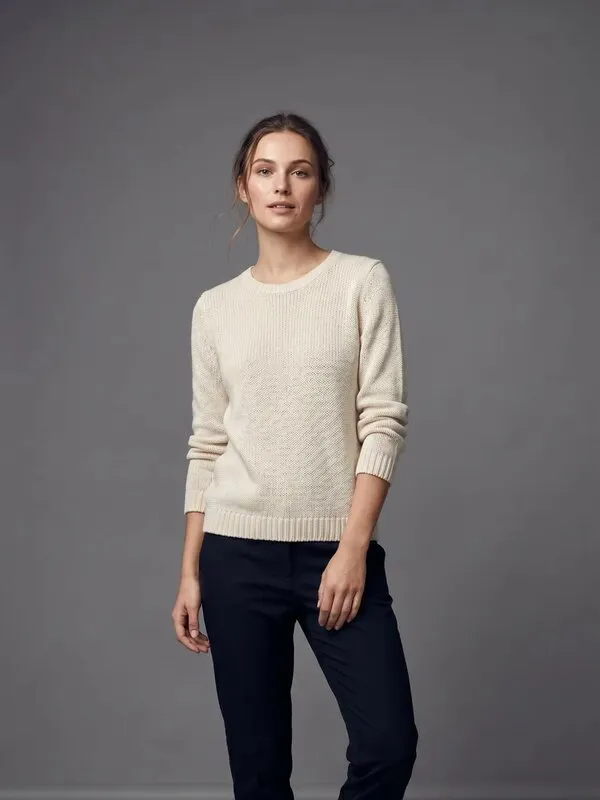
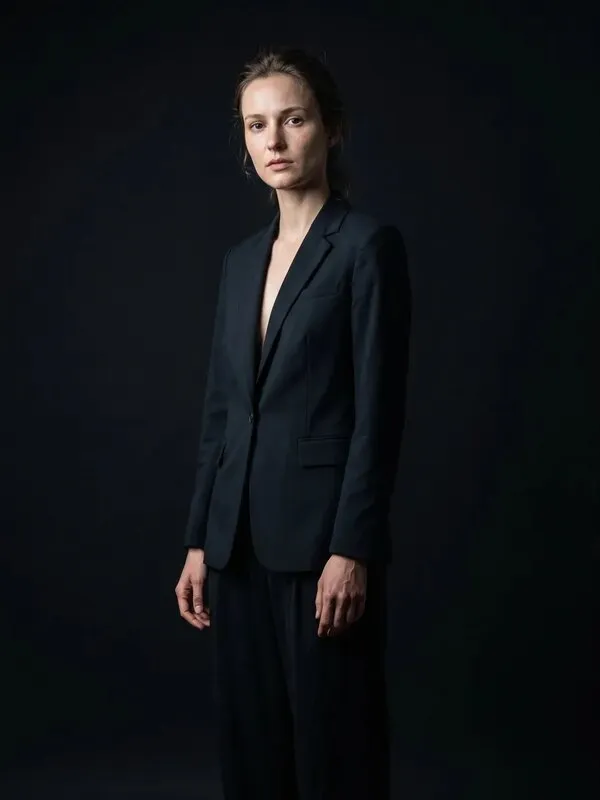
Nano Banana (or GPT Image) is for editing: a new background, a new outfit, one small detail. Same person, same light, one change.
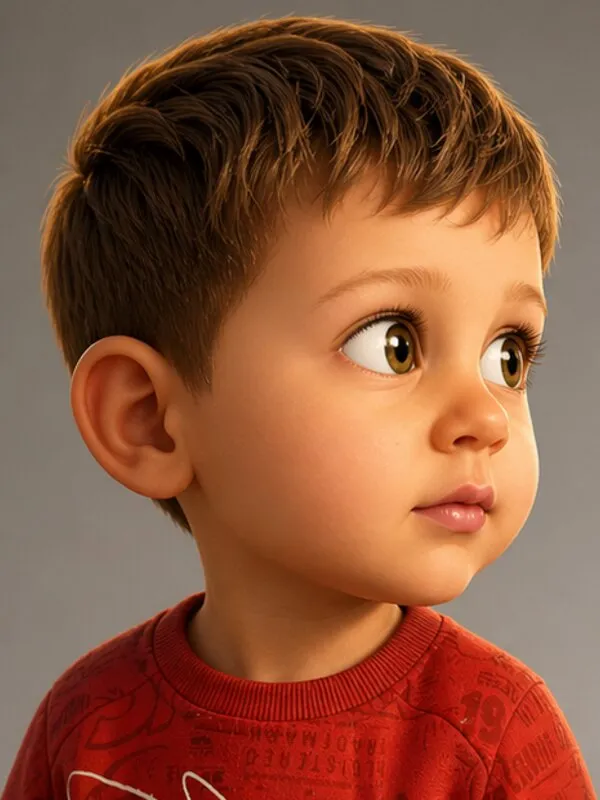
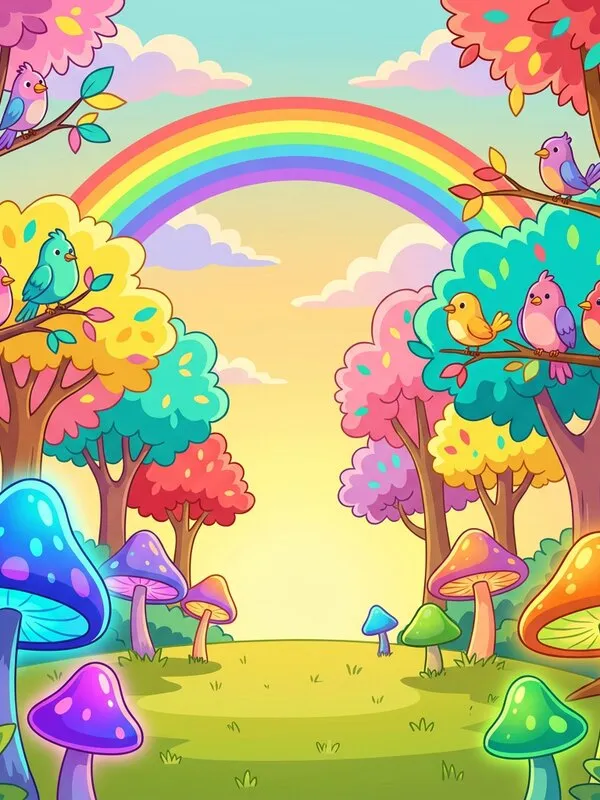
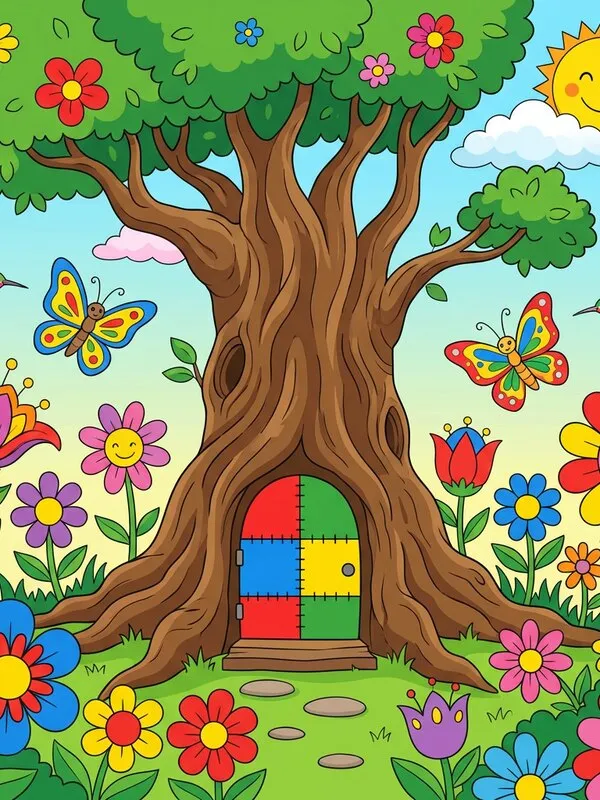
3. Style models: illustration, painting, strong looks
When it should not look like a photo at all: cartoon, children’s book, painting.
The rule: start with the default, switch for a reason
Start with the default model (Nano Banana 2 in Klingobanana, 3 credits). Change only when you can say what is missing. The face looks fake: try a photoreal model. You want the same image with a red jacket: that is an edit, use Nano Banana. Keep the expensive models for the final version.



One prompt, two models
A woman in her thirties reading on a café terrace in the morning. Medium shot. Soft sunlight from behind. Eye level, shot on a phone.
- Subject. Who or what, described first and precisely.
- Camera. Framing and movement. This is what makes it look filmed.
- Light. Where the light comes from. The biggest realism lever.
Bootcamp members get 30 credits every month, usable on every model.
Omnivers AI Bootcamp · Lesson 1.1
Watch the full lesson: Which image model to use
The video walks through it on my screen, with every prompt ready to copy under it. Bootcamp members also get 30 Klingobanana credits every month and a daily Q&A.
Watch it in the BootcampGo further
Questions
What is the best AI image model?
- None for everything. Photoreal models for people and products, edit models like Nano Banana to change an existing image, style models for illustration.
Is Nano Banana Pro better than Nano Banana 2?
- Nano Banana Pro (Gemini 3 Pro) gives more detail and costs more credits. Draft with Nano Banana 2, finish with Pro when the image needs it.
When should I switch model?
- Only when you can name what is missing: realism, the ability to edit, or a style. Otherwise stay on the default and improve the prompt.