Learn · Lesson 1.3 of the Bootcamp
The style anchor: make every AI image look like the same series
 Jad · founder of Klingobanana3 min read
A feed, a carousel or a set of ads looks professional when every image shares the same look. The trick is one sentence I call the style anchor.
What a style anchor is
One sentence you add at the end of every prompt. It describes the look, never the subject. For example: "shot on 35mm film, soft grain, muted teal and orange, natural light". Change the subject as much as you want, keep the anchor, and the images belong together. Save it in a note.
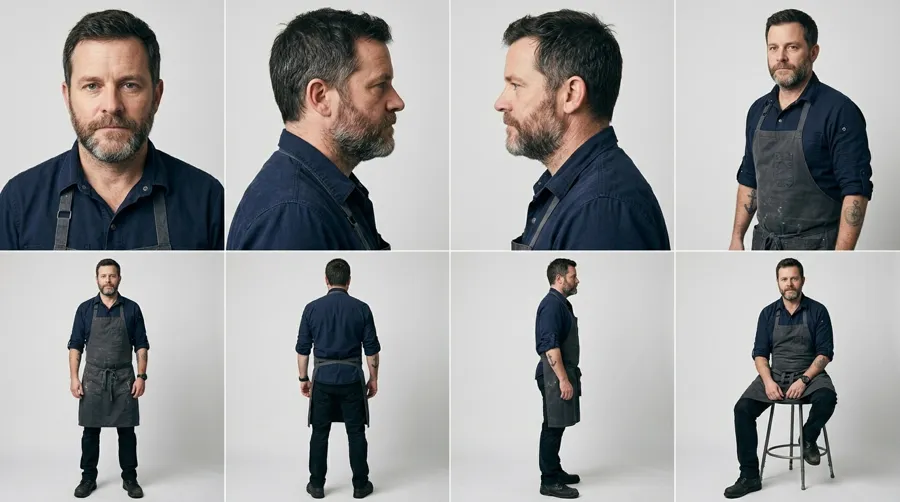
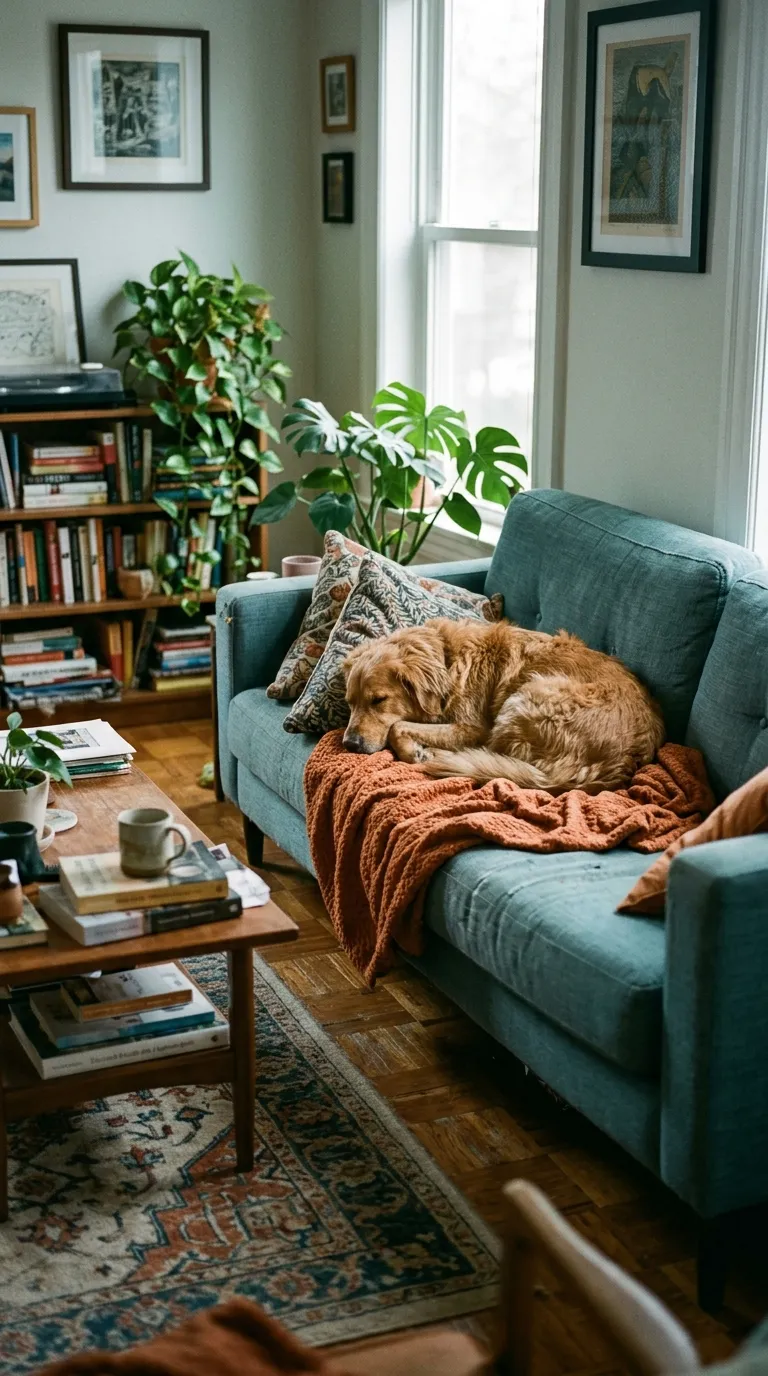
Anchor A: soft film, natural light
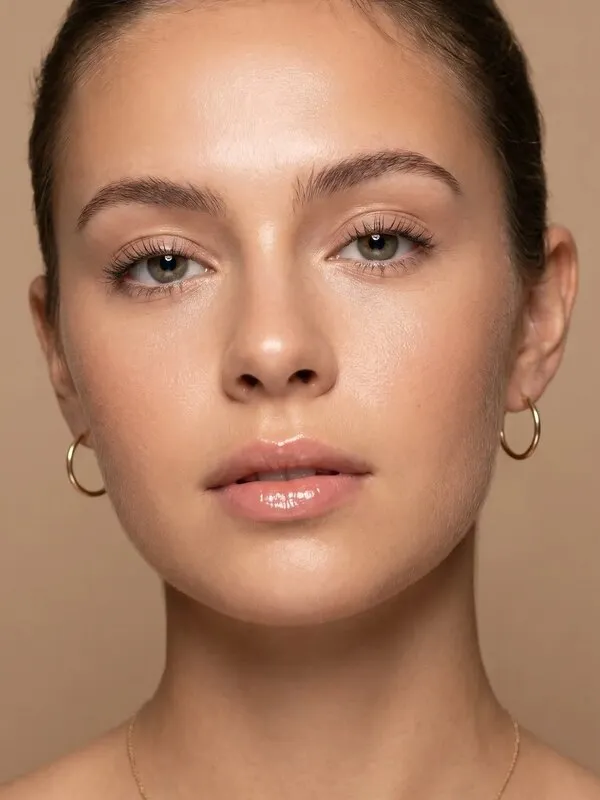
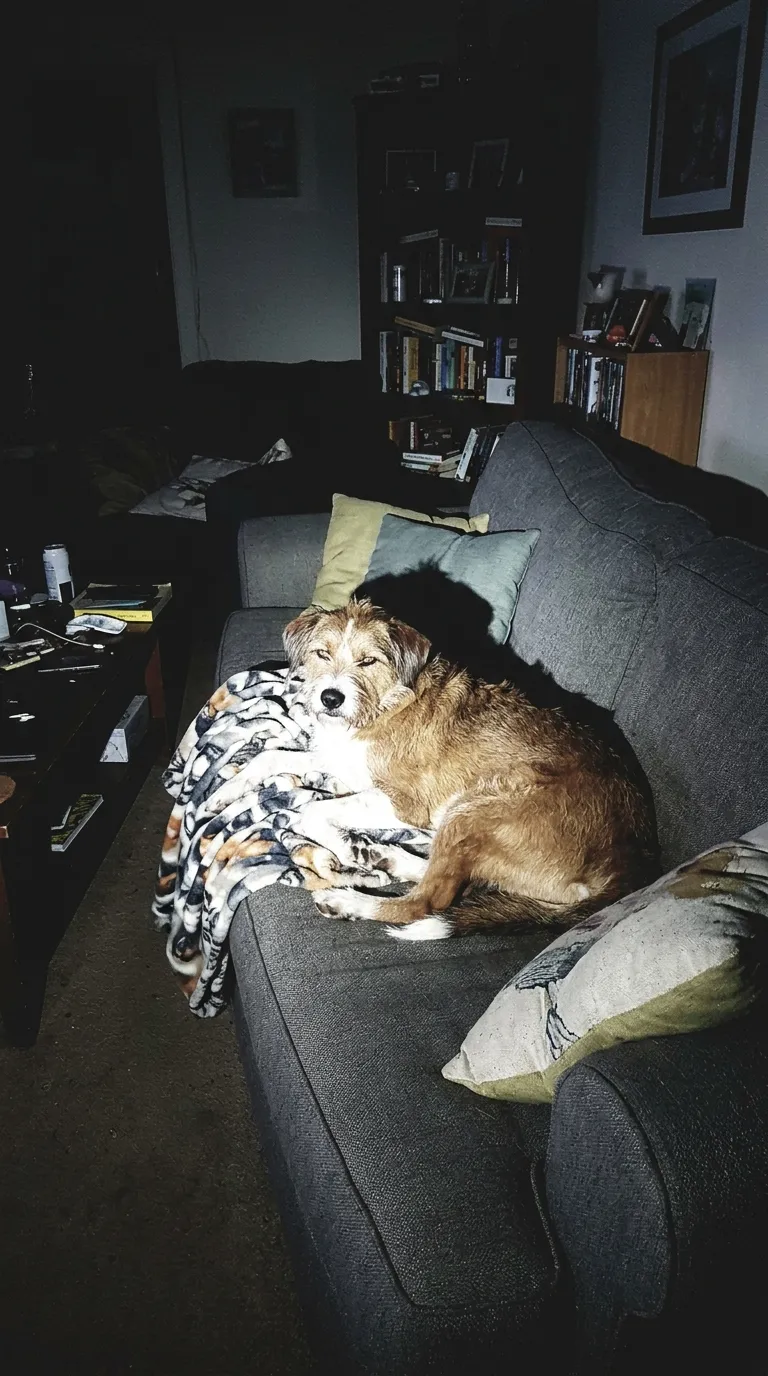
Four different subjects, one anchor. A chef, a coffee, a dog, a bike: they look like the same photographer took them on the same day.


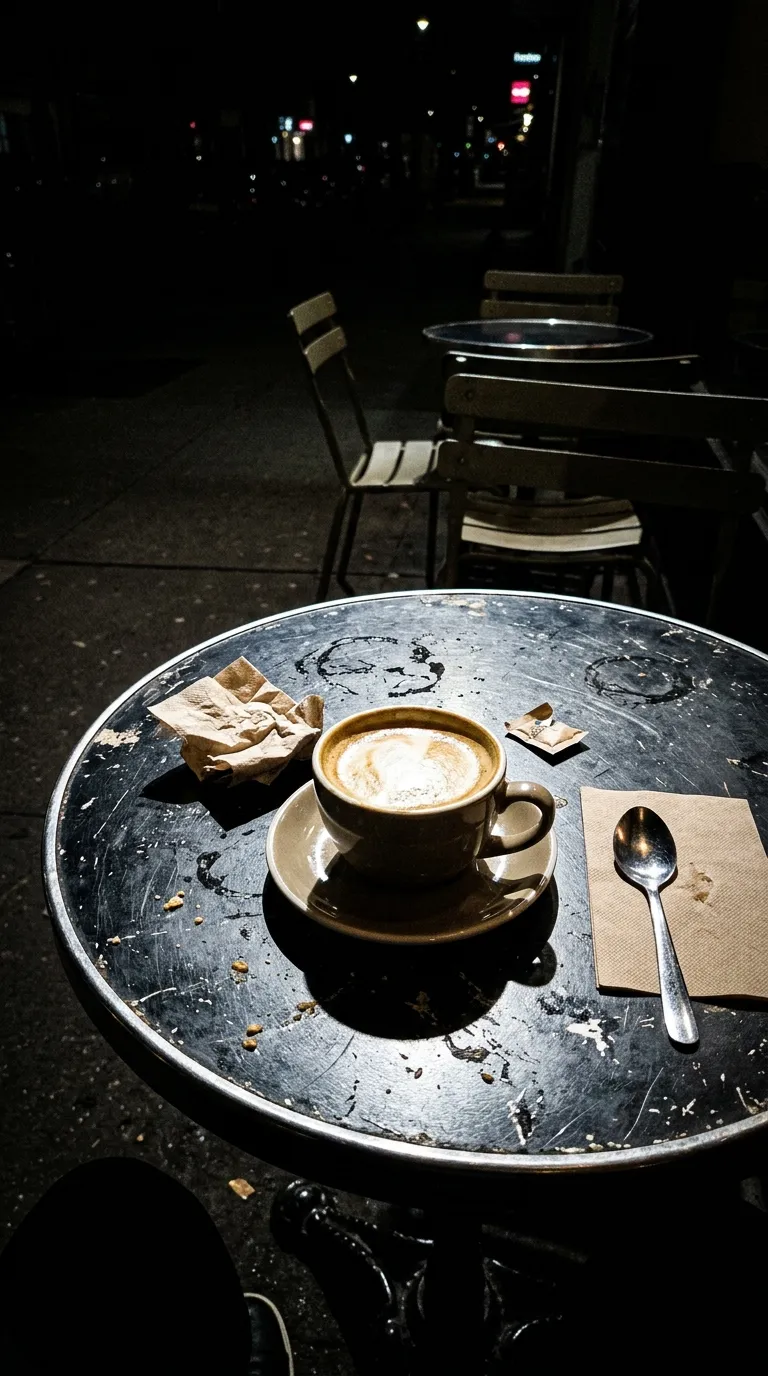
Anchor B: flash at night
Same four subjects, a different anchor: direct flash, dark background, high contrast. A completely different series.

How to write yours
Pick three things: the camera or film ("shot on a phone", "35mm film"), the colours ("muted, warm") and the light ("natural window light", "direct flash"). Keep it under 15 words. Test it on three different subjects before you use it for a whole series.
Try an anchor
A bike leaning on an old stone wall in a narrow street. Wide shot, eye level. Shot on 35mm film, soft grain, muted teal and orange, natural light.
- Subject. Who or what, described first and precisely.
- Camera. Framing and movement. This is what makes it look filmed.
Bootcamp members get 30 credits every month, usable on every model.
Omnivers AI Bootcamp · Lesson 1.3
Watch the full lesson: Make it look real
The video walks through it on my screen, with every prompt ready to copy under it. Bootcamp members also get 30 Klingobanana credits every month and a daily Q&A.
Watch it in the BootcampGo further
Questions
How do I get a consistent style across AI images?
- Add the same style sentence (camera, colours, light) at the end of every prompt, and change only the subject.
Does a style anchor work on every model?
- Yes, but the result differs per model. Pick one model for a series and keep both the model and the anchor fixed.