Learn · Lesson 1.2 of the Bootcamp
How to write AI image prompts that don’t look like stock photos
 Jad · founder of Klingobanana4 min read
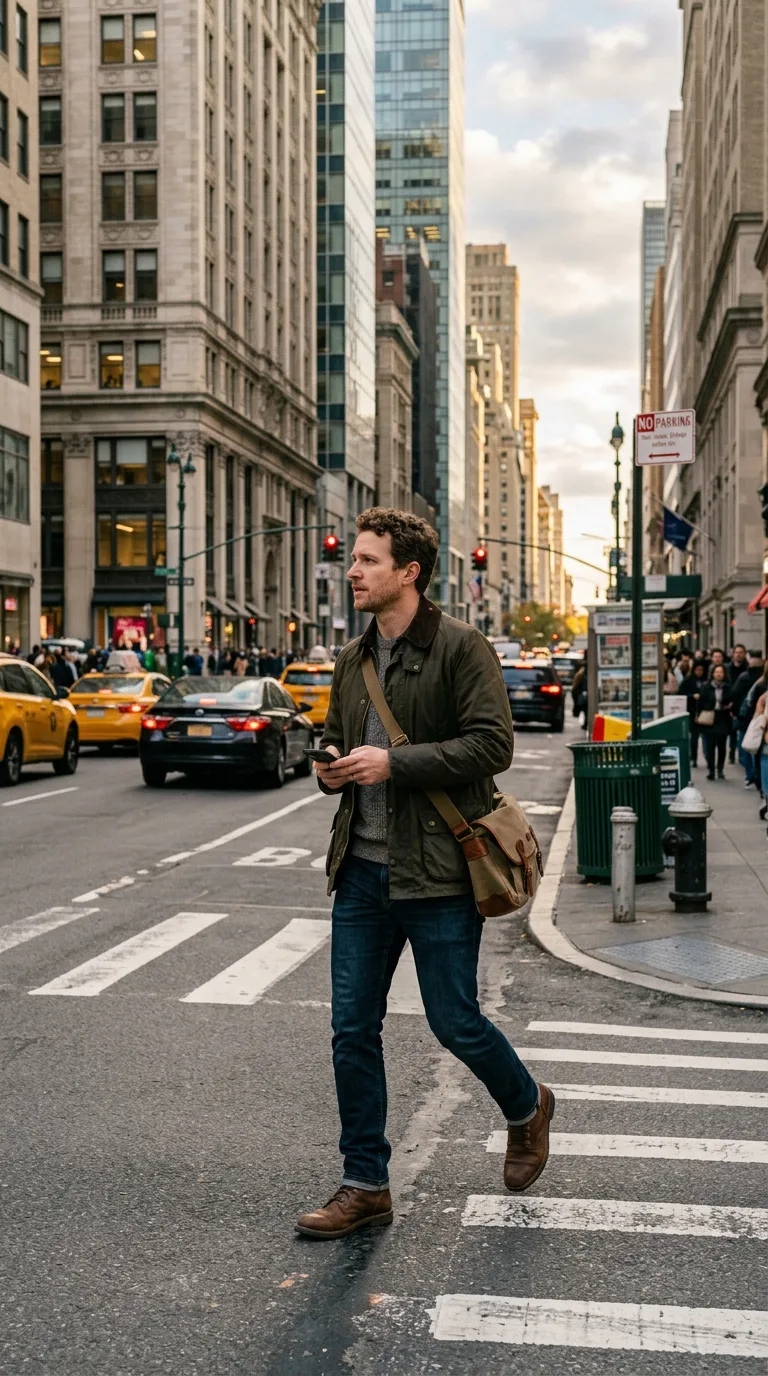
Type "a man in a city" into any AI image model and you get a stock photo: centred, flat, forgettable. Adding more adjectives does not help. What helps is the three things a photographer decides before pressing the button.
Prompt only vs the recipe
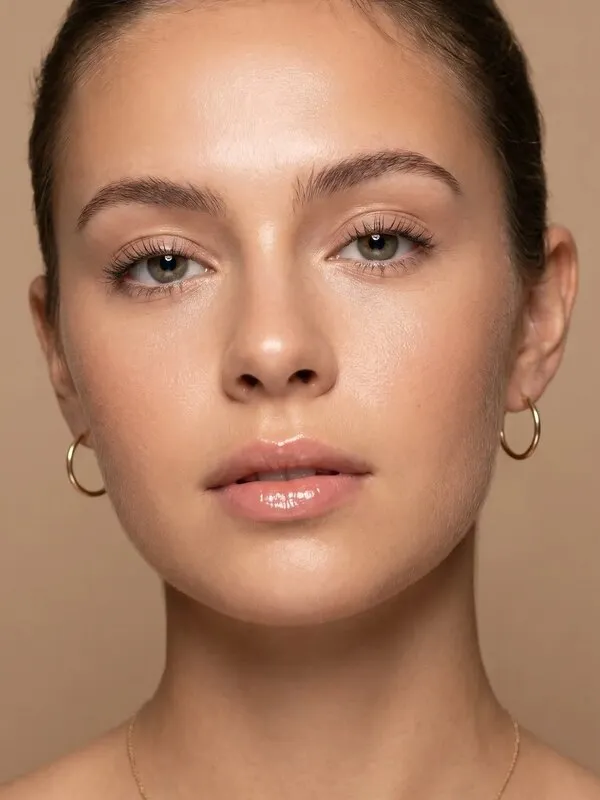
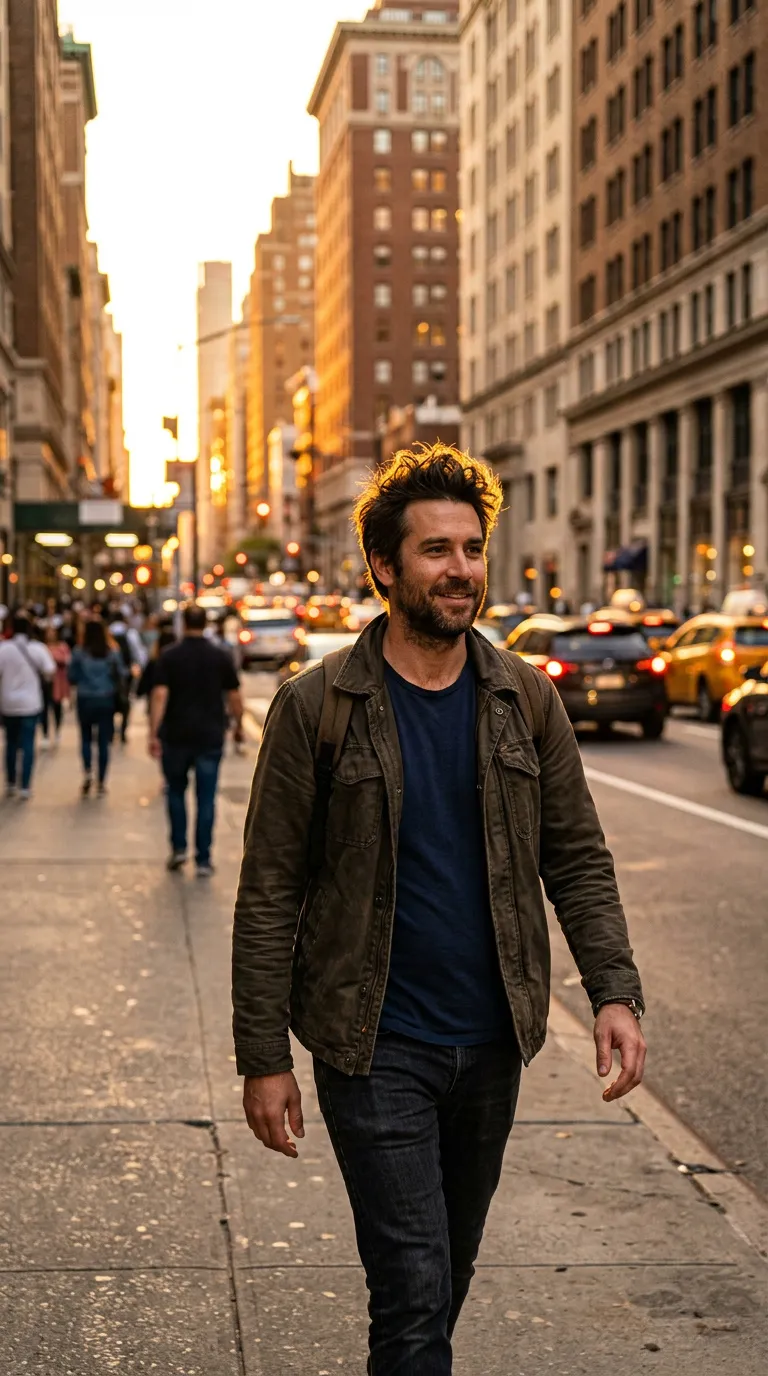
Same idea, same model (Nano Banana 2). On the left, the short prompt. On the right, the same subject with the recipe below: a shot size, a light and an angle. The difference is not more detail, it is decisions.
The recipe: subject, shot size, light, angle
Write them in this order. The model reads the start of the prompt with the most weight, so the subject comes first and the look comes after.
- Subject: who or what, with one or two concrete details.
- Shot size: a close-up for emotion, a wide shot to show the place.
- Light: where it comes from. If you add only one thing, add the light.
- Angle: low angle makes someone look strong, eye level feels natural, top down is perfect for products.
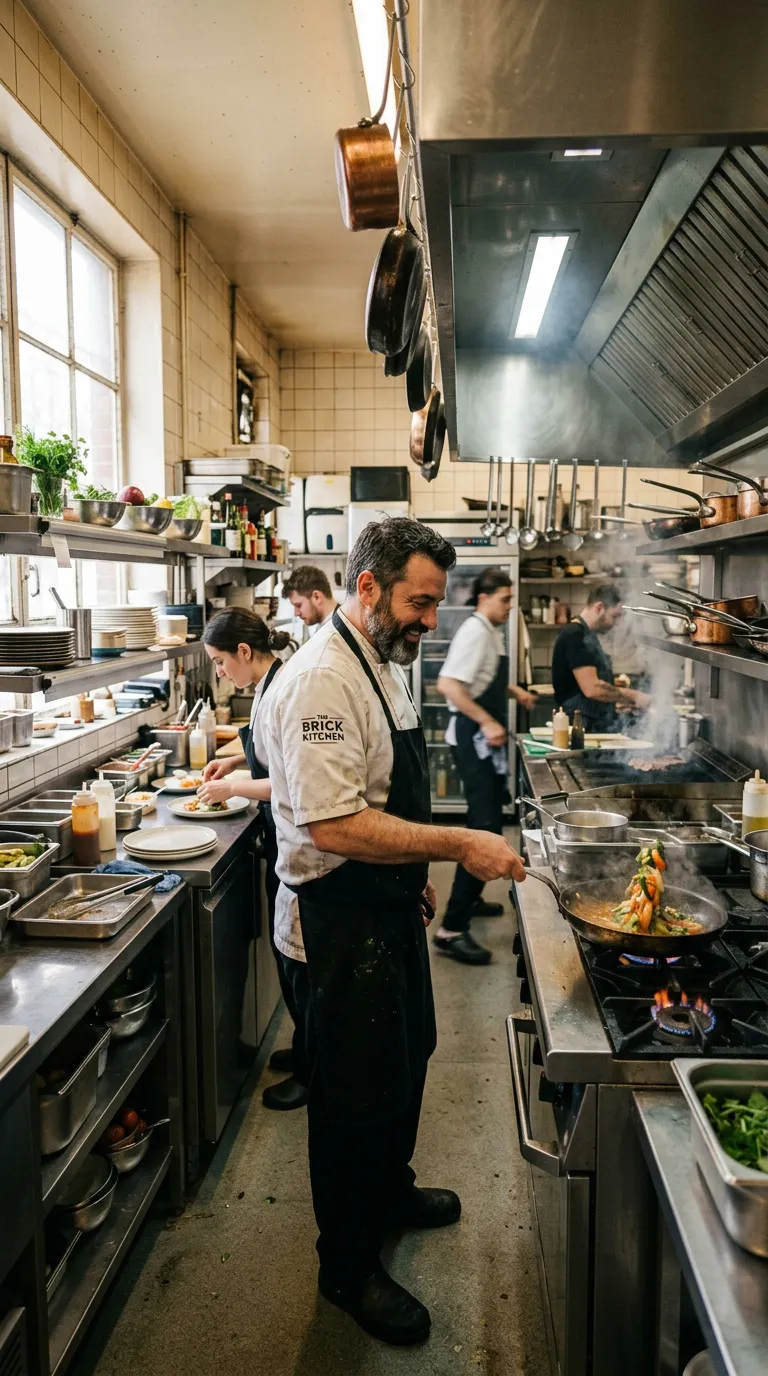
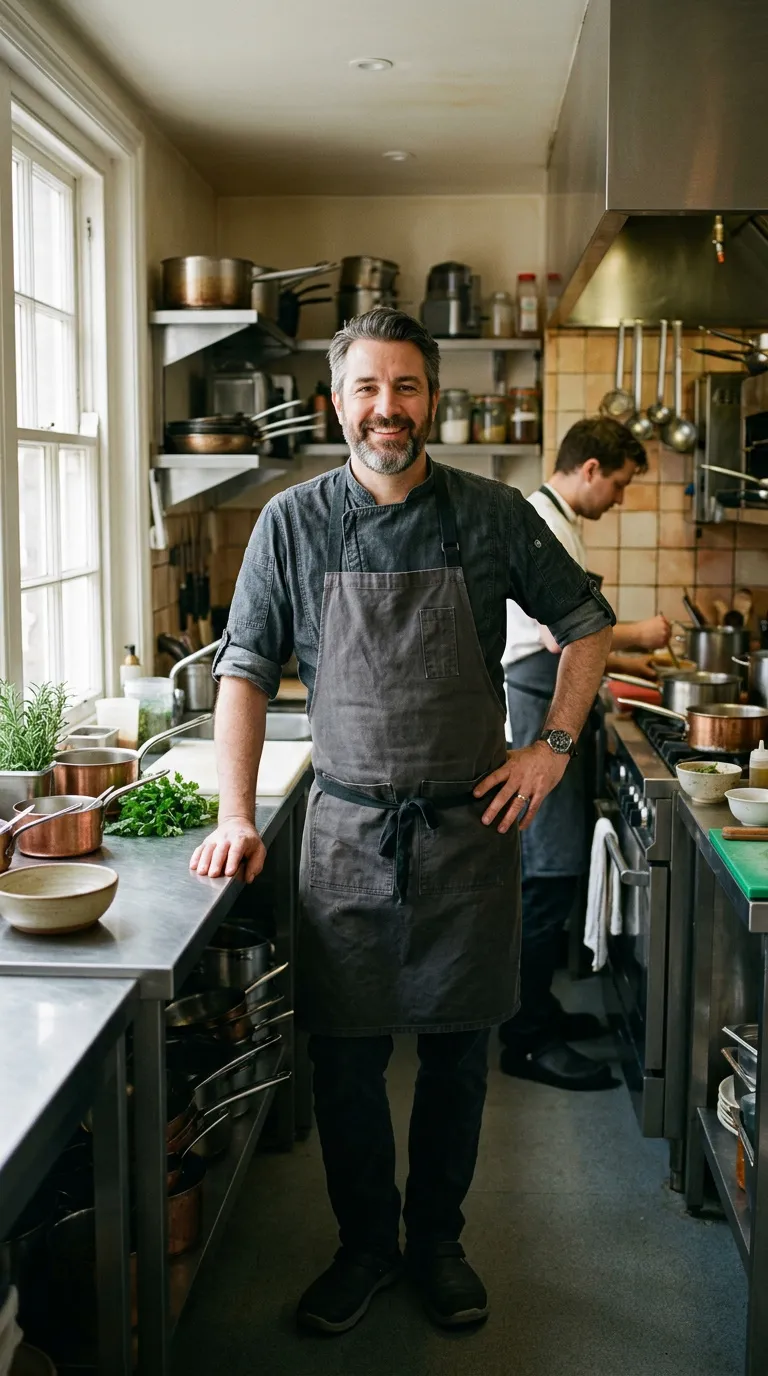
Shot size changes the story
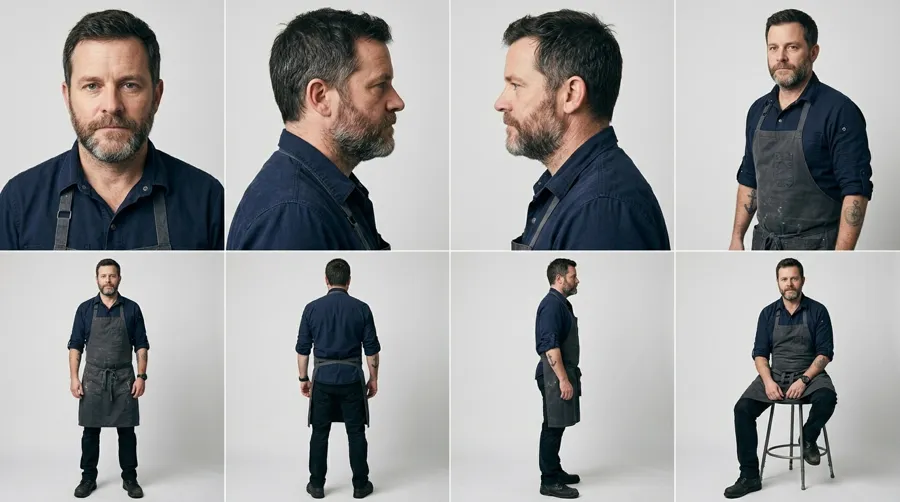
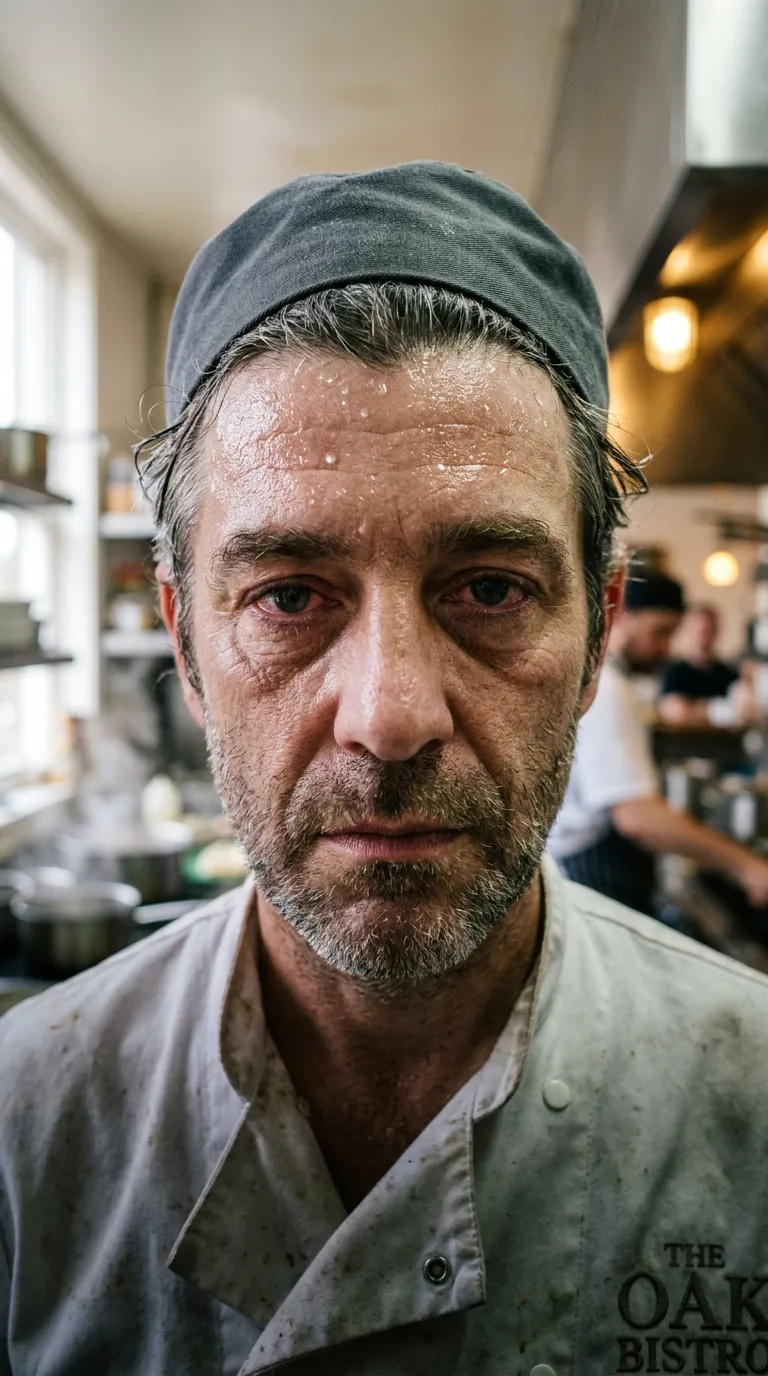
The same chef, two shot sizes. The close-up is about him. The wide shot is about the kitchen he works in.
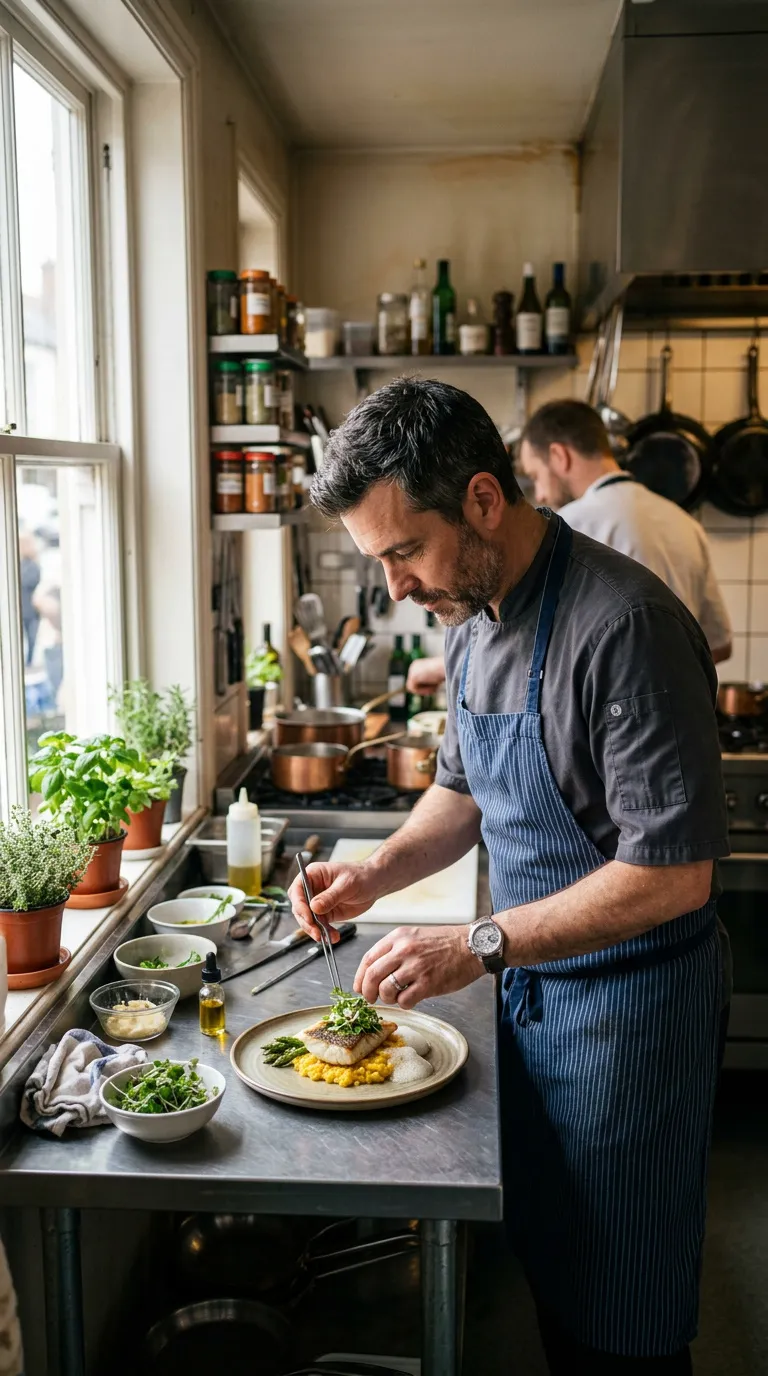
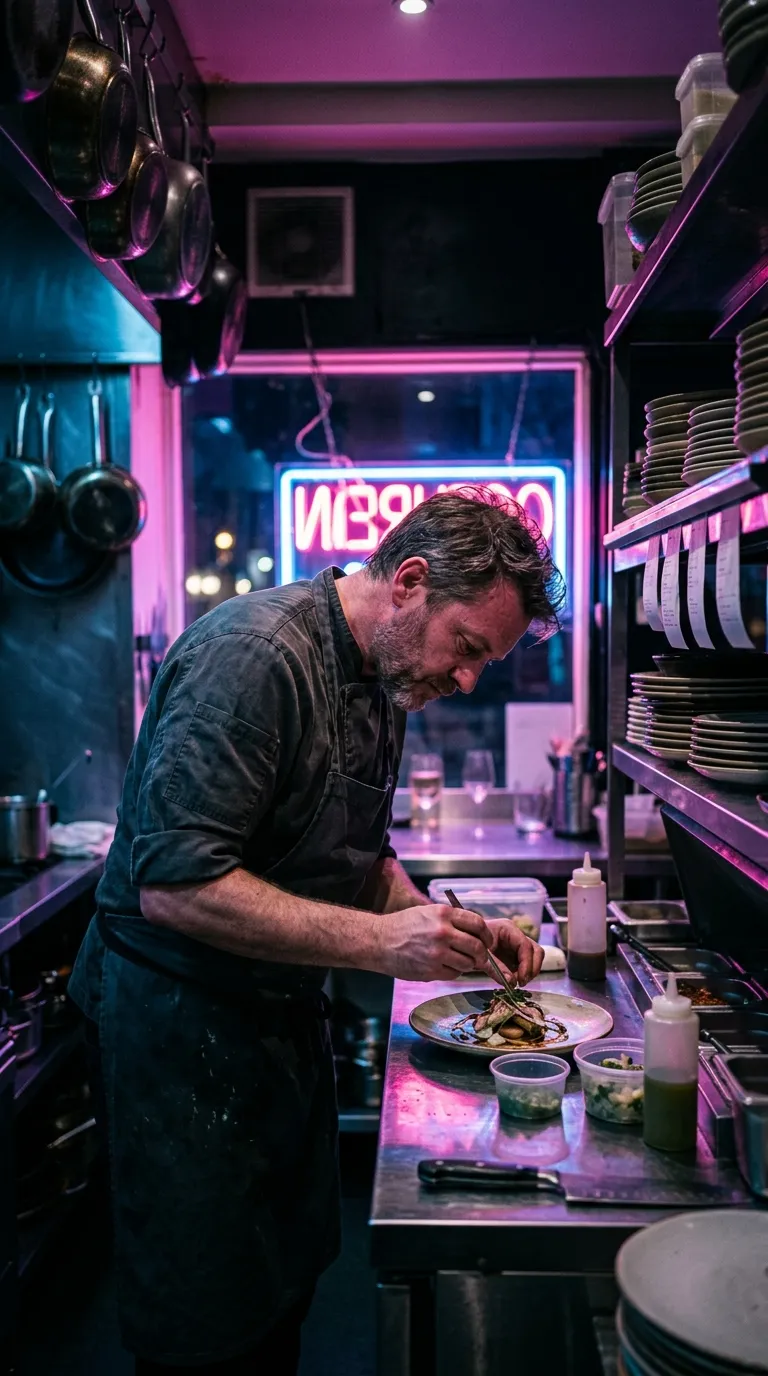
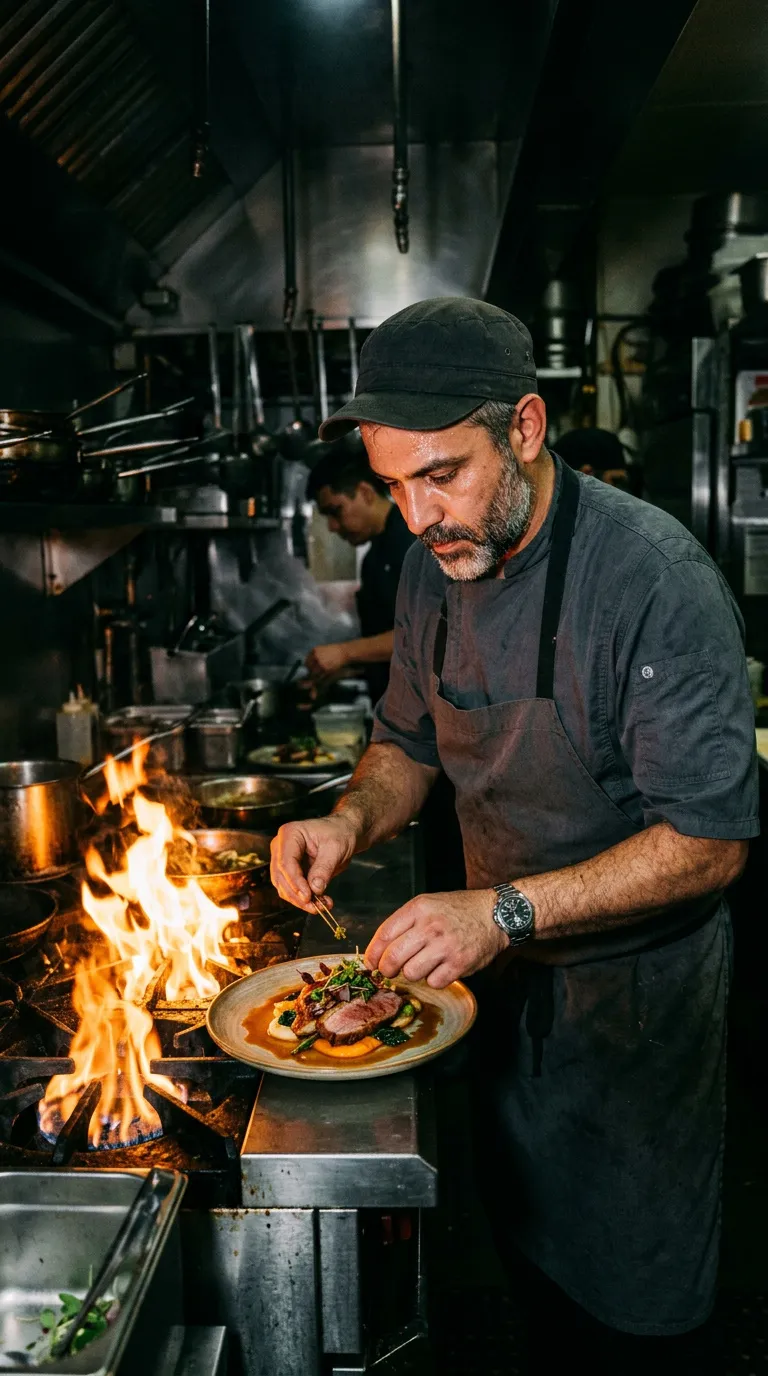
Light gives the mood
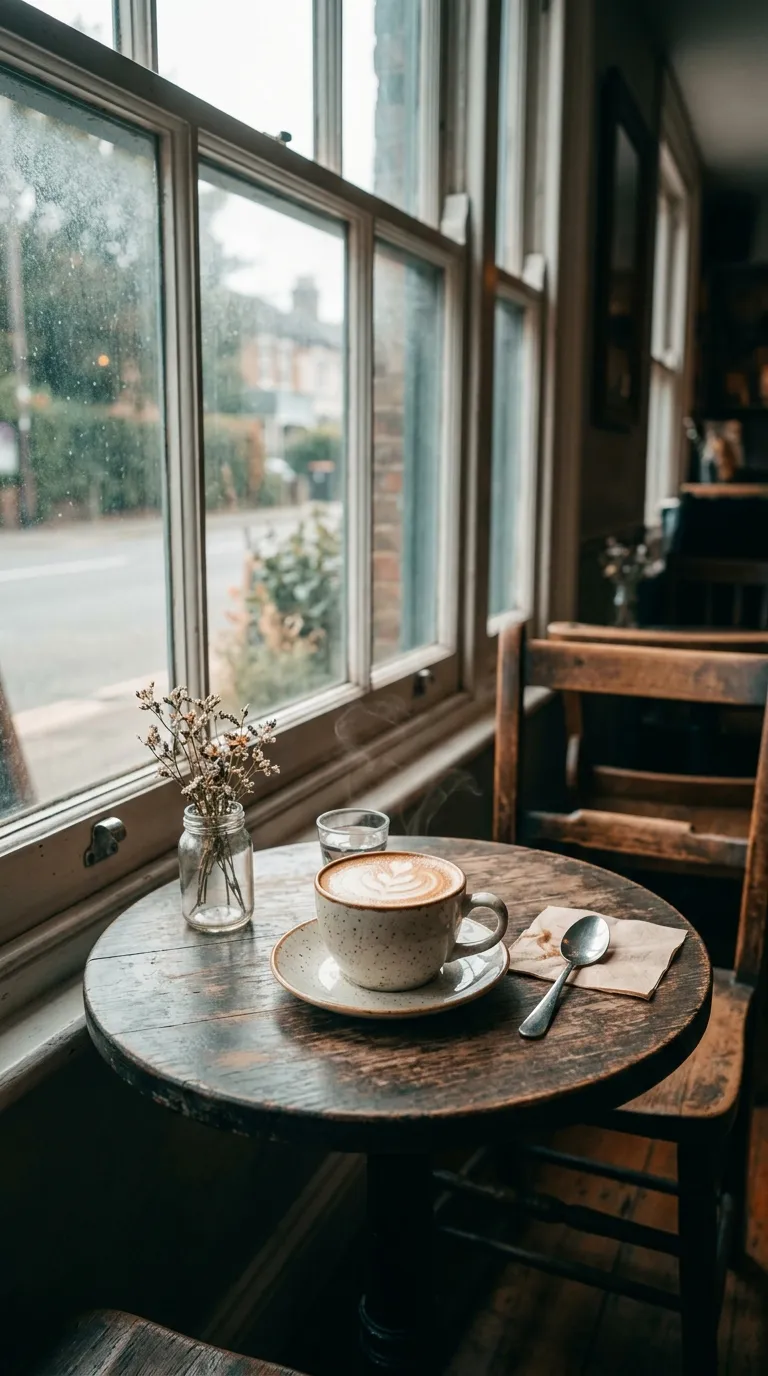
Only the light changes between these three. Window light feels calm and real, neon feels like night service, fire feels like action.
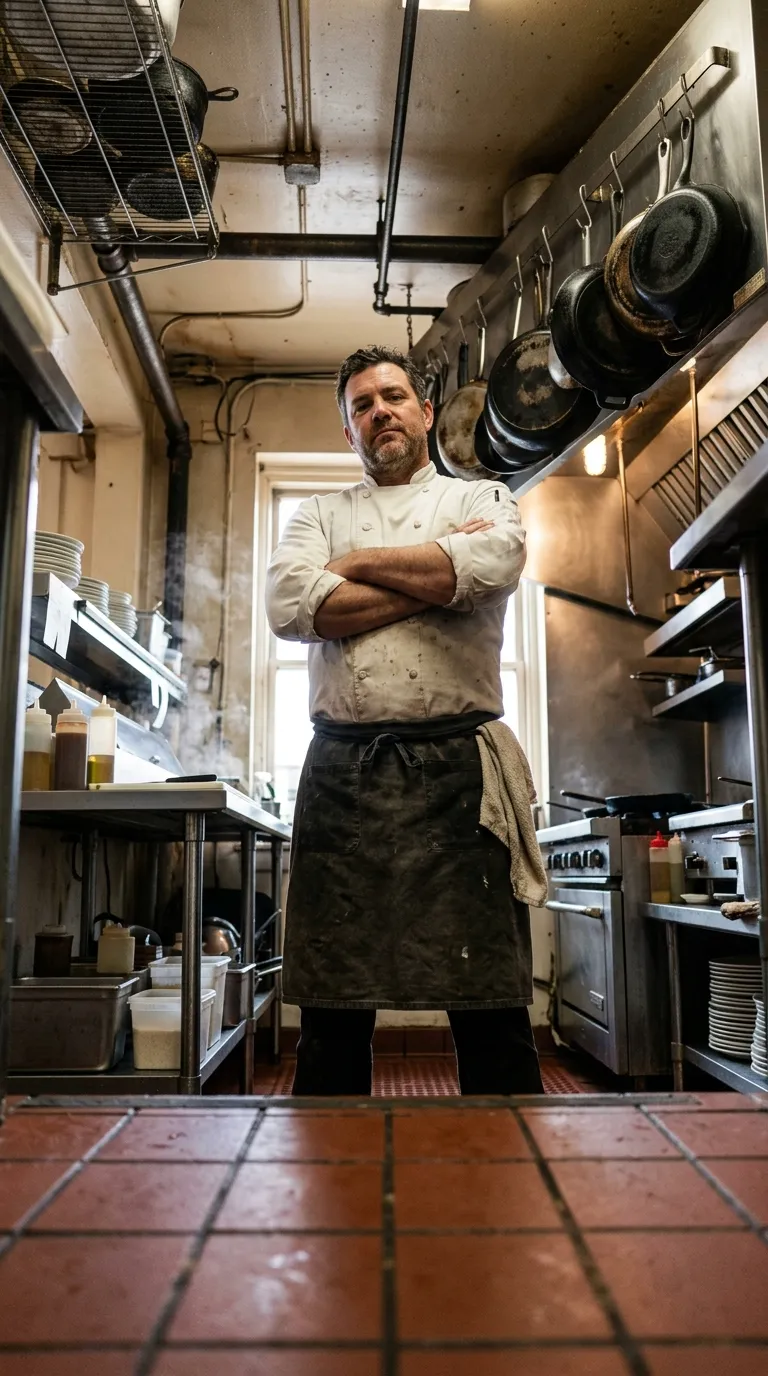
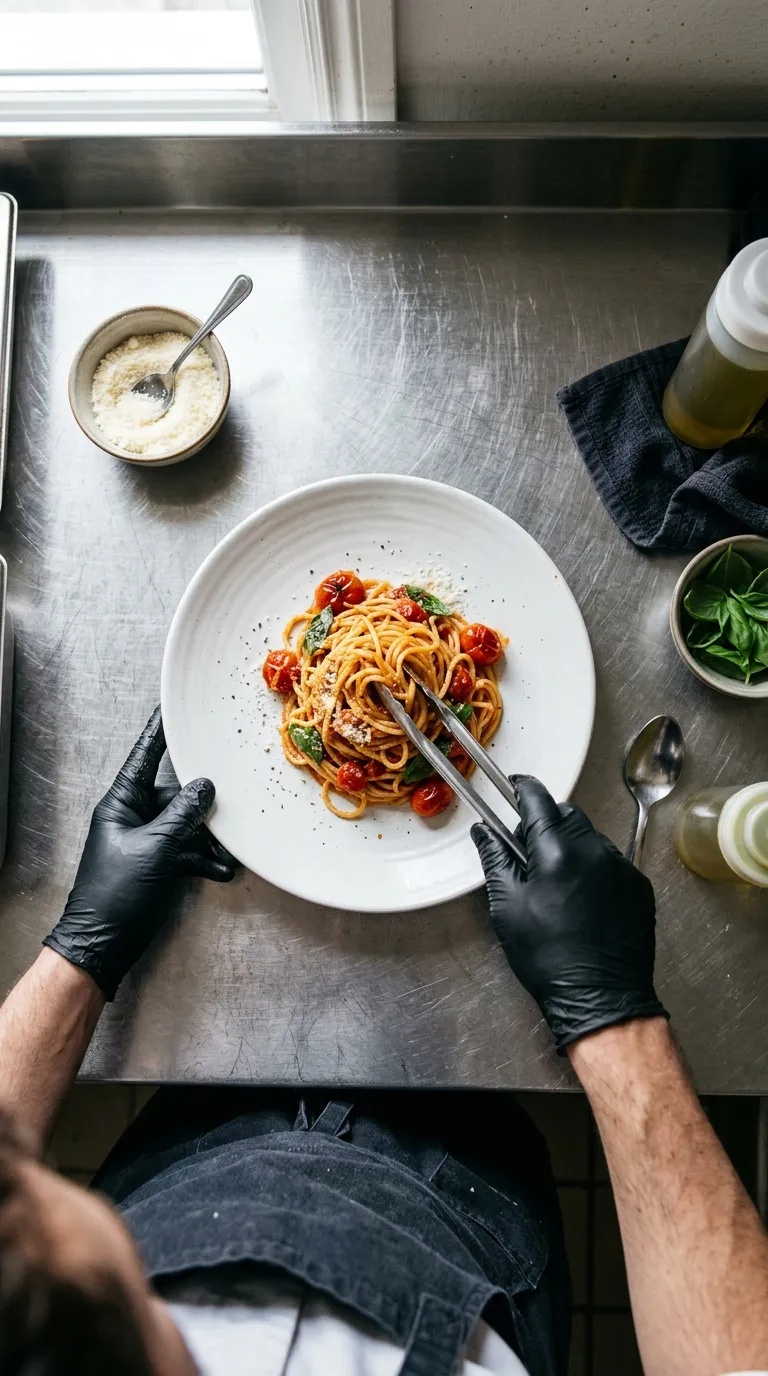
Angle decides how we see them
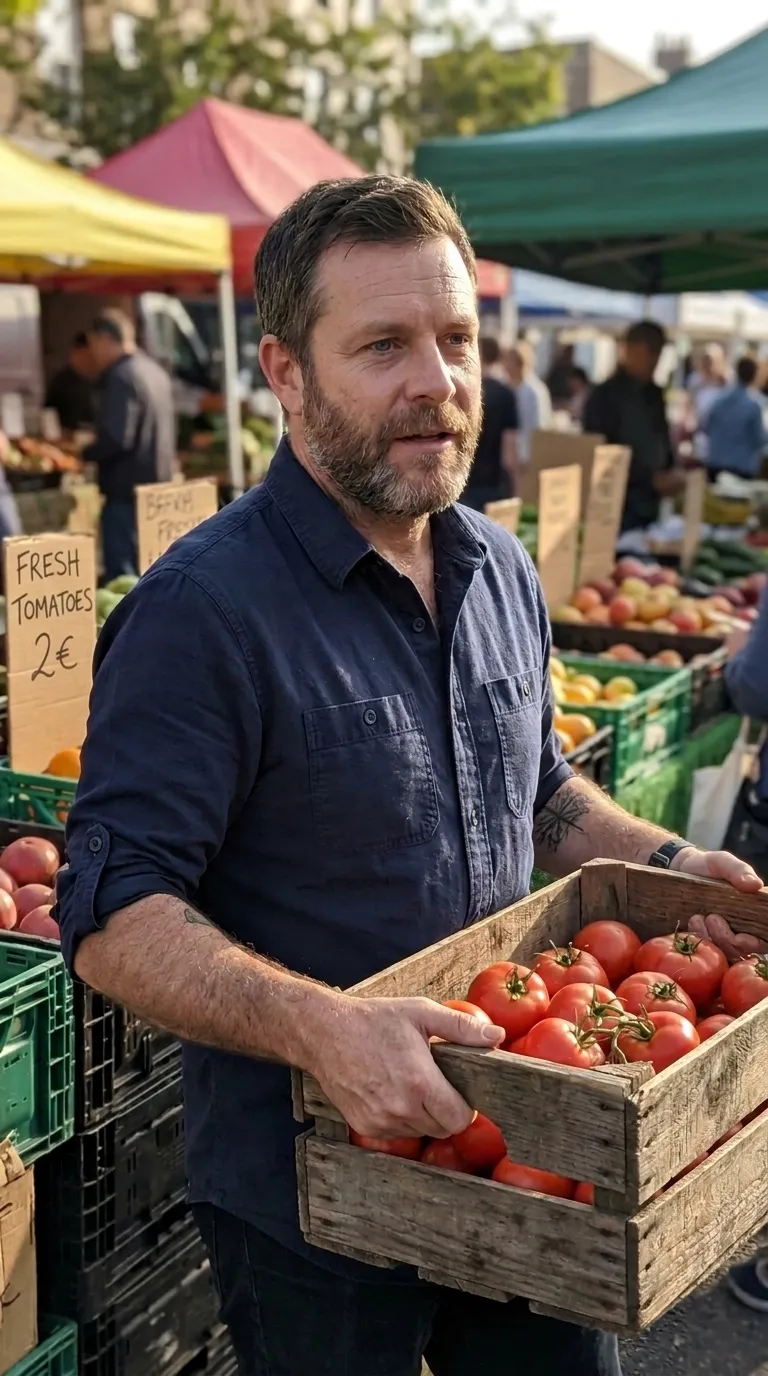
Low angle: strong and confident. Eye level: natural, like you are in the room. Top down: the plate becomes the hero, which is why it works for products.
Why it can still look like AI
Look closely at the results: the light is the same everywhere, there are no real shadows and everything is too clean. With a prompt alone you almost always get this. The fix is to start from a real-looking reference, covered in the next guide of the series.
Try the recipe
A chef in his fifties plating pasta in a busy restaurant kitchen. Medium close-up. Soft window light from the left, steam in the air. Eye level angle, shot on a phone, vertical 9:16.
- Subject. Who or what, described first and precisely.
- Camera. Framing and movement. This is what makes it look filmed.
- Light. Where the light comes from. The biggest realism lever.
Bootcamp members get 30 credits every month, usable on every model.
Omnivers AI Bootcamp · Lesson 1.2
Watch the full lesson: A better prompt
The video walks through it on my screen, with every prompt ready to copy under it. Bootcamp members also get 30 Klingobanana credits every month and a daily Q&A.
Watch it in the BootcampGo further
Questions
What is the best structure for an AI image prompt?
- Subject first, then shot size, light and angle. It works on every image model because it describes what a photographer would decide, not more adjectives.
Which model do these examples use?
- Nano Banana 2, the default image model in Klingobanana. It costs 3 credits per image.
Why does my AI image still look fake?
- Flat light, no shadows and a too-clean scene. Describe one clear light source, and for real photorealism start from a real-looking reference image.