Learn · Lesson 1.5 of the Bootcamp
Fix AI image mistakes without starting over
 Jad · founder of Klingobanana3 min read
Your image is 90% good: a strange hand, fake letters on a sign, an object you do not want. Do not delete it. Fix the last 10%.
One change at a time
Use the image as the reference, pick Nano Banana 2 Edit, and write one fix in simple English. Only one: if you ask for three changes in one sentence, the model forgets one.
Before and after: the hand and the table
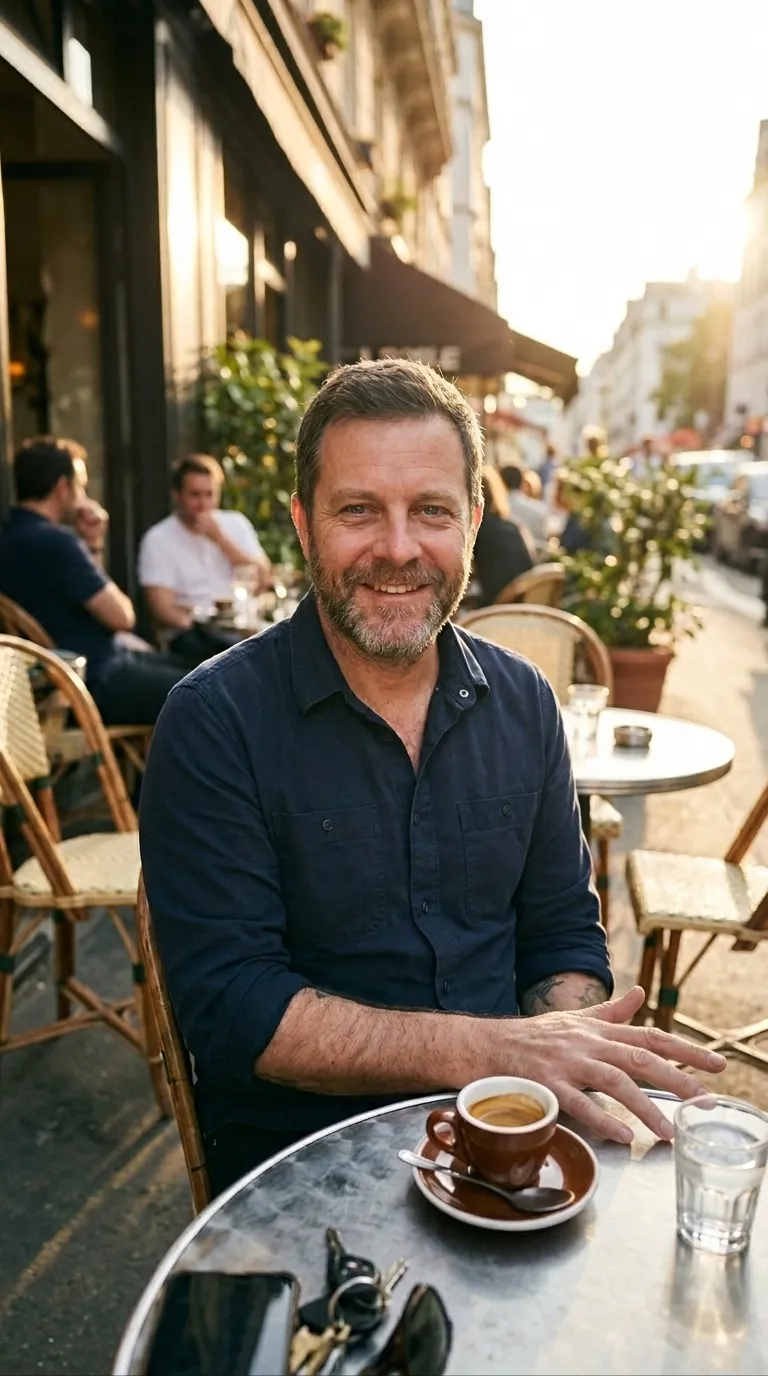
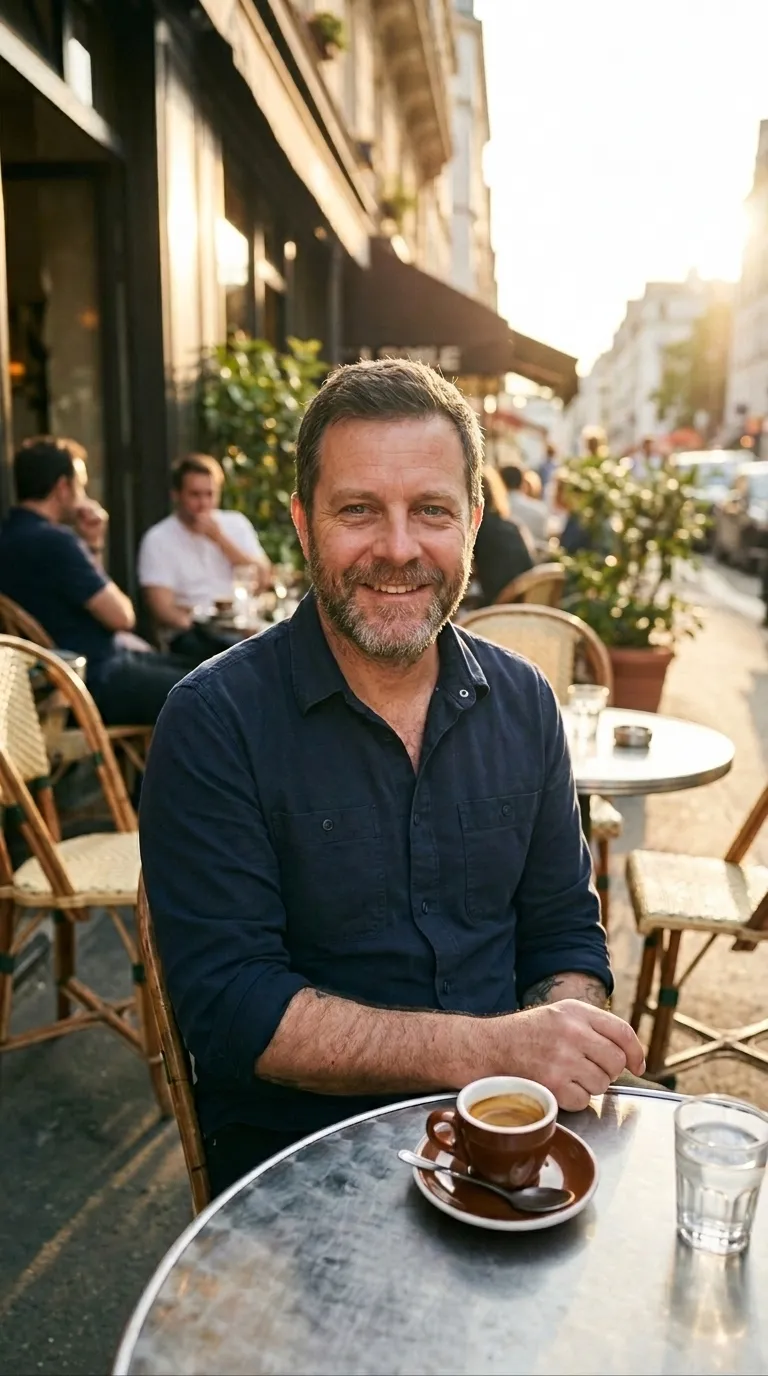
Fix: "Fix the left hand, five fingers, natural pose." A second pass removed the phone and keys from the table. Everything else stays identical.
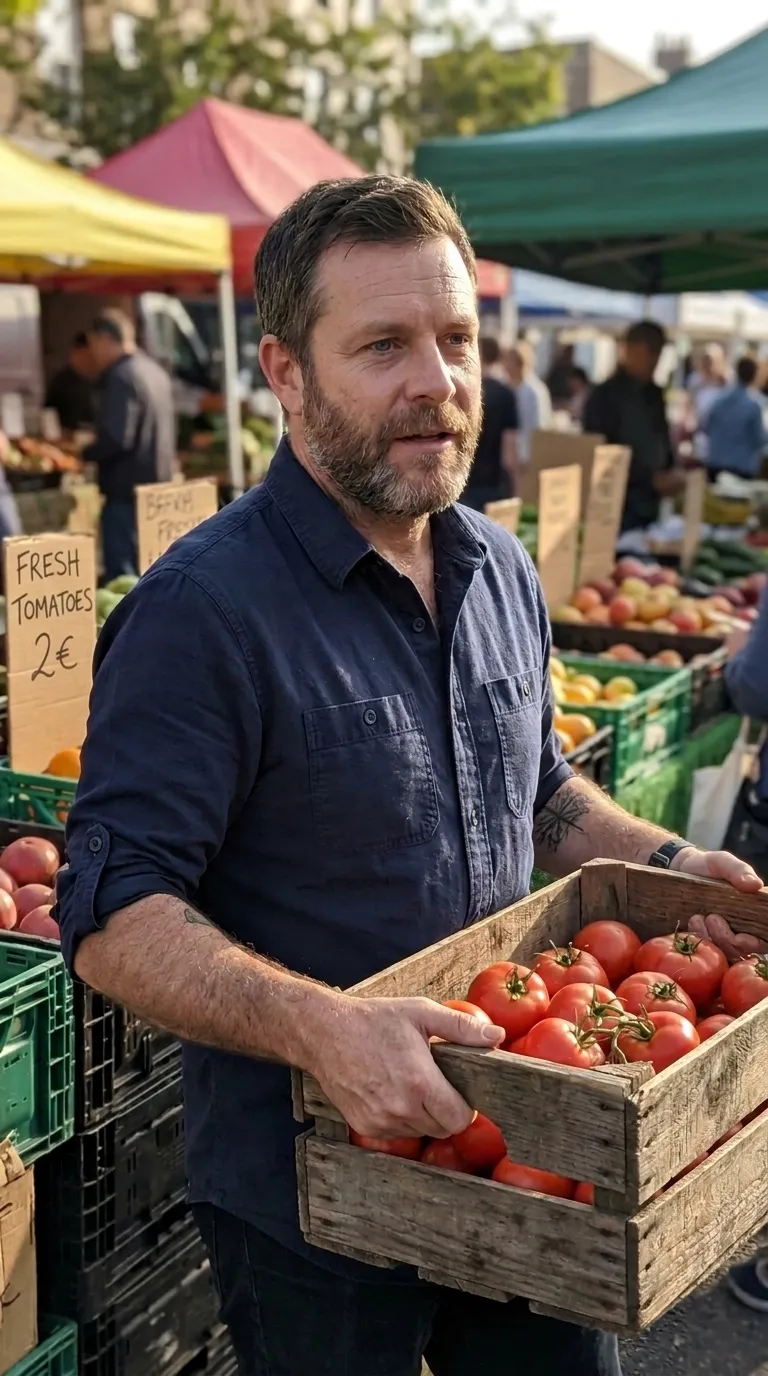
Before and after: fake letters
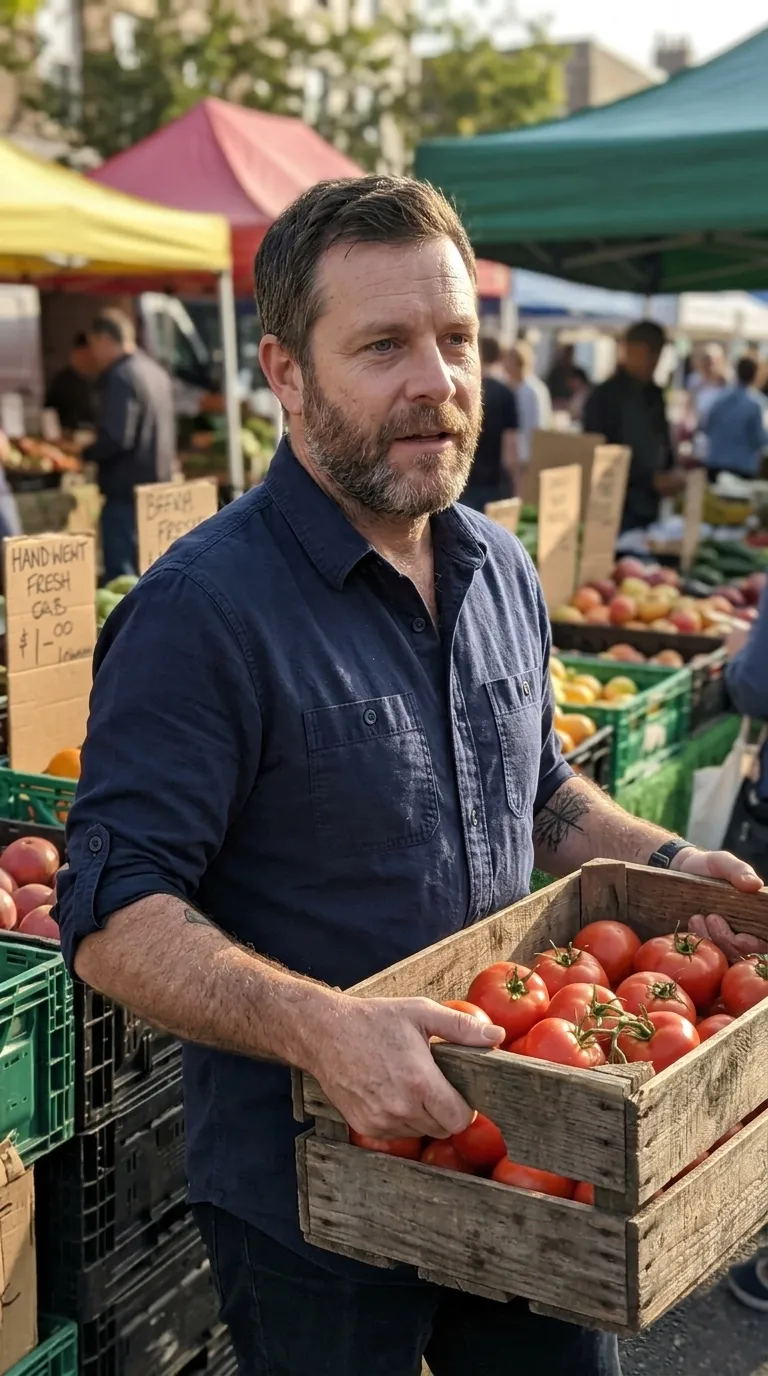
AI models still invent letters. Fix: "Change the sign to: Fresh tomatoes 2€." The rest of the market does not move.
The order: generate, fix, then final quality
Download in PNG only when the image is final, it keeps more quality. For a big screen, make the final version with Gemini 3 Pro.
A fix prompt
Fix the left hand: five fingers, relaxed natural pose. Keep everything else exactly the same.
- Subject. Who or what, described first and precisely.
- Scene and action. What happens and where. Short, concrete actions.
Bootcamp members get 30 credits every month, usable on every model.
Omnivers AI Bootcamp · Lesson 1.5
Watch the full lesson: Fix the last 10%
The video walks through it on my screen, with every prompt ready to copy under it. Bootcamp members also get 30 Klingobanana credits every month and a daily Q&A.
Watch it in the BootcampGo further
Questions
How do I fix hands in AI images?
- Use the image as a reference in an edit model like Nano Banana 2 Edit and ask for one fix: "Fix the left hand, five fingers, natural pose."
How do I fix text in an AI image?
- Ask for the exact words in quotes, one sign at a time: "Change the sign to: Fresh tomatoes 2€."