Learn
Learn to make AI images and videos that look real
Short guides from the lessons of the Omnivers AI Bootcamp, each with the real images I made for it. Read one, then join the Bootcamp: members get the full lessons and 30 credits every month.
 Lesson 1.2
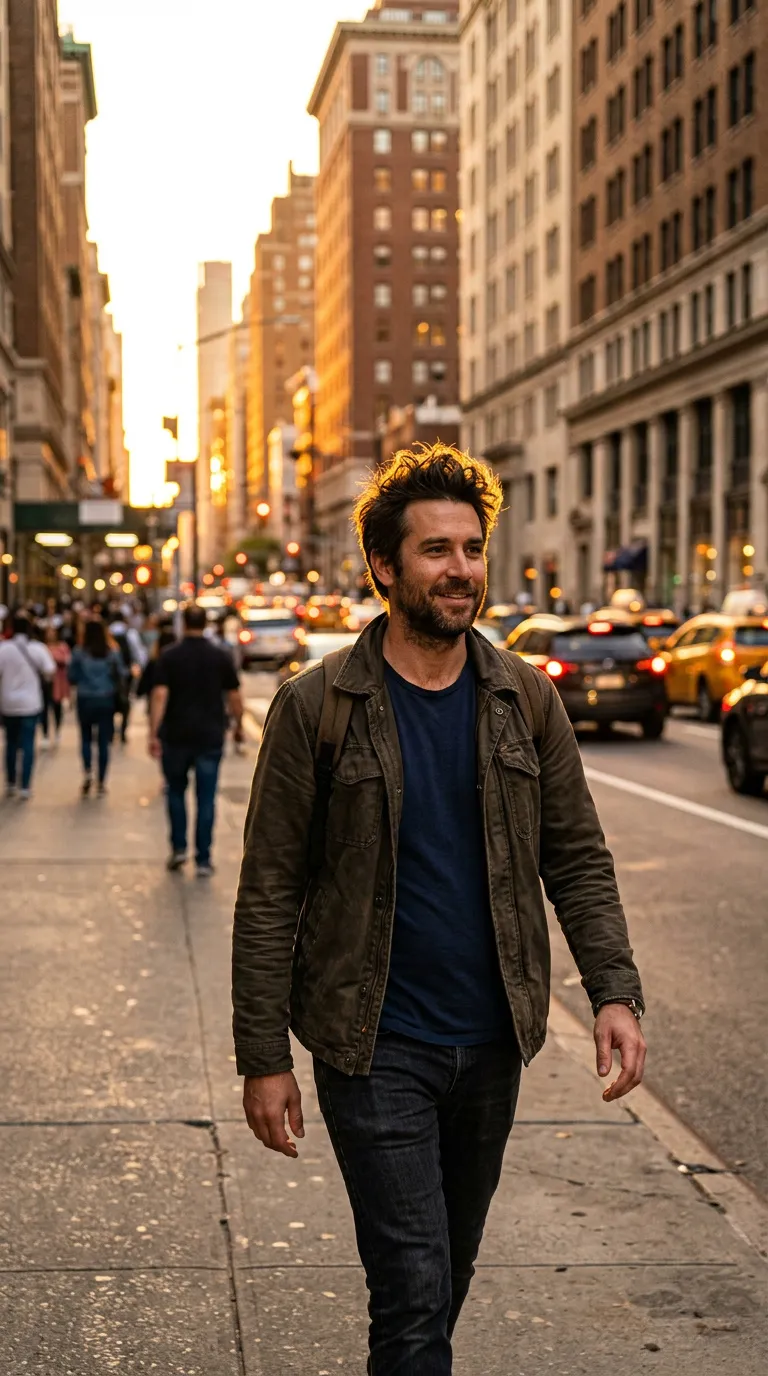
How to write AI image prompts that don’t look like stock photos
Type "a man in a city" into any AI image model and you get a stock photo: centred, flat, forgettable. Adding more adjectives does not help. What helps is the three things a photographer decides before pressing the button.
4 min read · by Jad
 Lesson 1.1
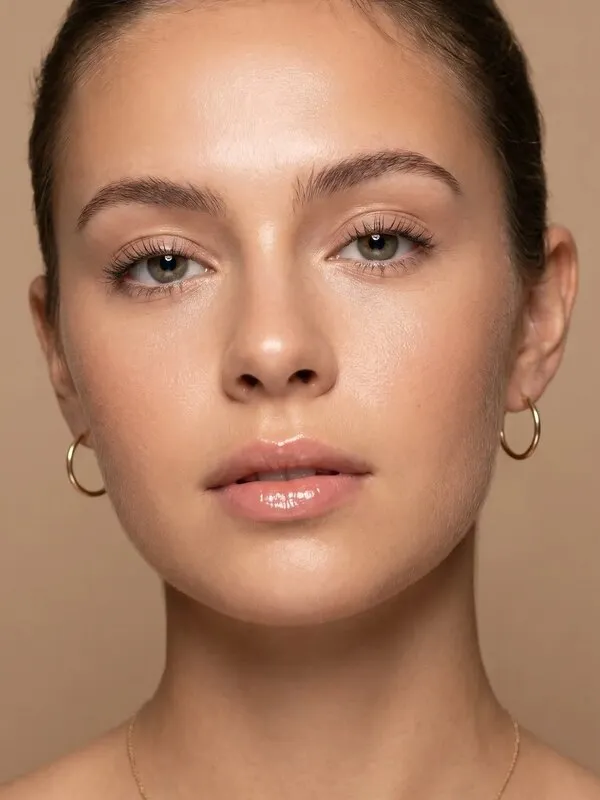
Which AI image model should you use? A simple rule
There is no best AI image model. For each job there is a good one, and switching models without a reason wastes credits. Here are the three families and the rule I use to pick.
4 min read · by Jad
 Lesson 1.4
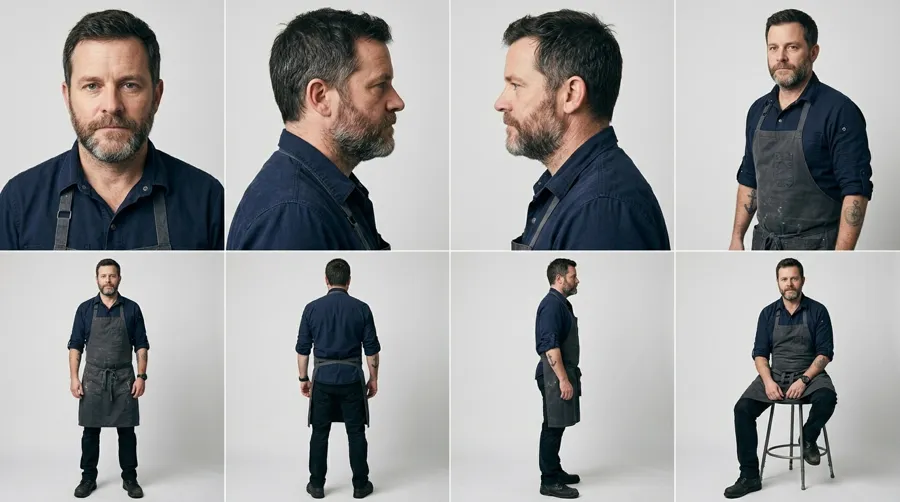
How to keep the same face in every AI image: the character sheet
For an AI influencer, a story or a series of ads, the face has to stay the same in every image. Describing it with words is not enough. Here is the method I use: one character sheet, then every scene starts from it.
4 min read · by Jad
 Lesson 1.3
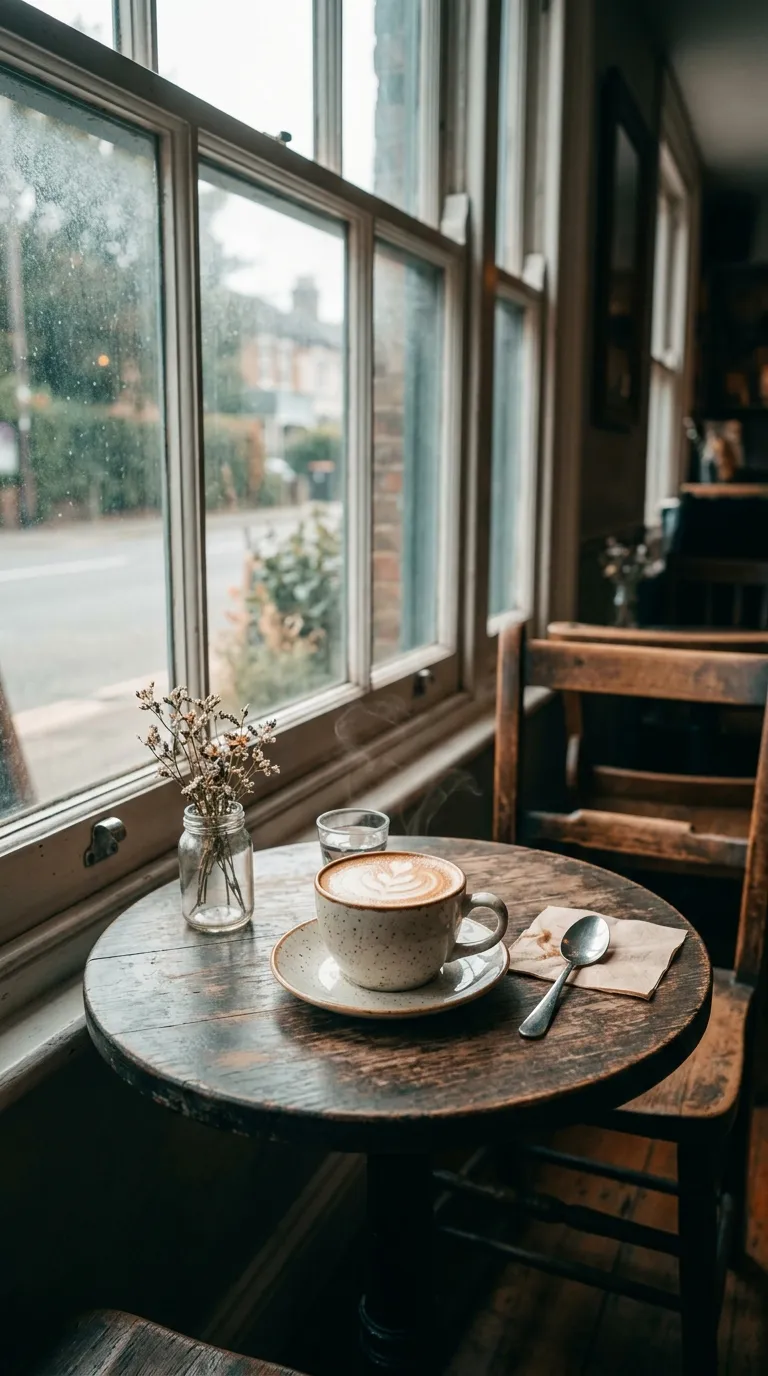
The style anchor: make every AI image look like the same series
A feed, a carousel or a set of ads looks professional when every image shares the same look. The trick is one sentence I call the style anchor.
3 min read · by Jad
 Lesson 1.5
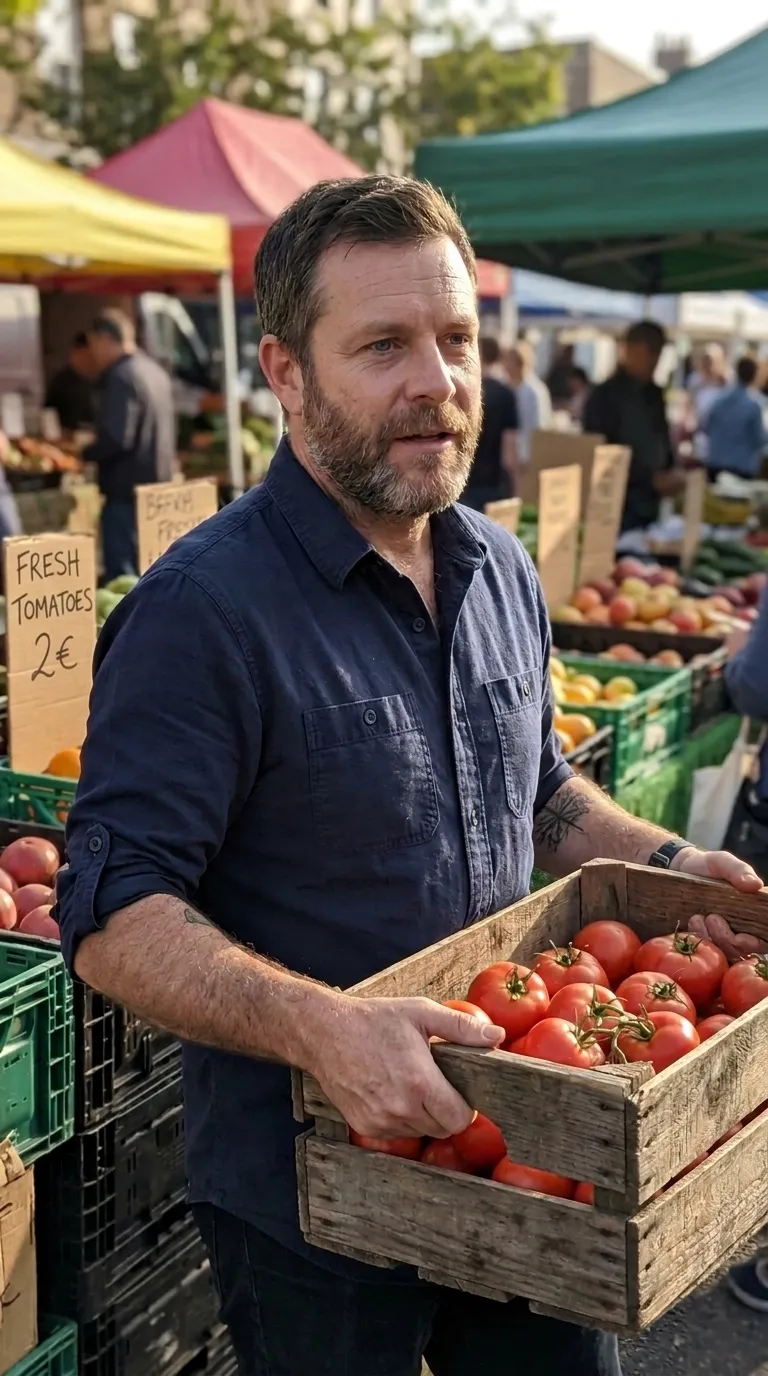
Fix AI image mistakes without starting over
Your image is 90% good: a strange hand, fake letters on a sign, an object you do not want. Do not delete it. Fix the last 10%.
3 min read · by Jad